
EverydayBeginner · about 15 minFree · no signup
Turn World Monitor sources into a regional briefing
Watch the World Monitor walkthrough, open the dashboard and turn source material into a regional briefing.
By Alan Brown
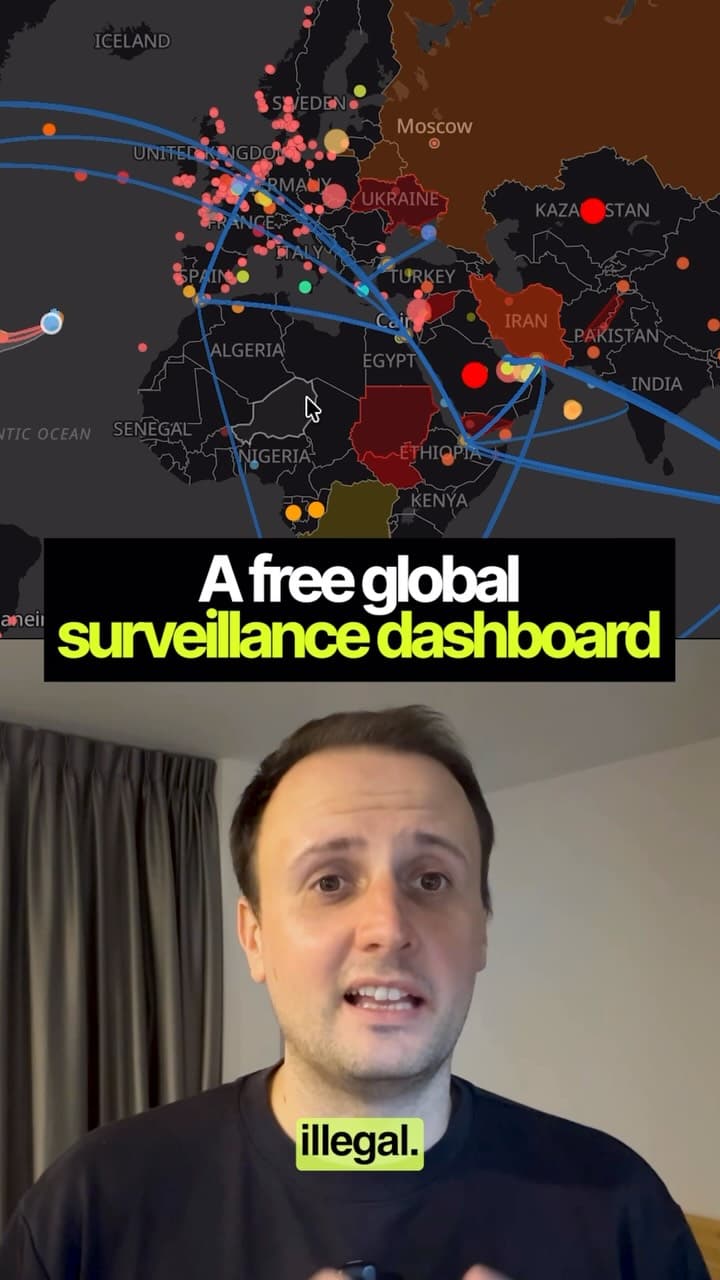
World Monitor brings news and map-based information into a browser dashboard. Start with one region and a few relevant layers.
- Open the dashboard using the source link, select a region and inspect the sources and timestamps behind each item.
- Use the video as a walkthrough of news, aviation, shipping and environmental layers; feed coverage and freshness vary.
- The public dashboard has a free offering and the platform source is open source. Paid tiers also exist; AI connections and API access are not all covered by “free, no signup”.
- To use the prompt, provide source links or excerpts to your assistant. A direct dashboard connection is not required.
Context & limitations
Access details checked against the official World Monitor pricing documentation on 22 September 2026: github.com/koala73/worldmonitor/blob/main/public/pricing.md
Do this yourself
Source links, timestamps and explicit uncertainty make a dashboard briefing easier to verify.
Want to build this with a teacher?
Pathwise Academy runs small, hands-on AI classes in Singapore for ages 10–17 and adults.