
Plan an AI setup around your weekly work
Build a setup around the work you repeat. Projects, preferences and connectors are options to assess, not a checklist to complete.
By Alan Brown · Works with Claude
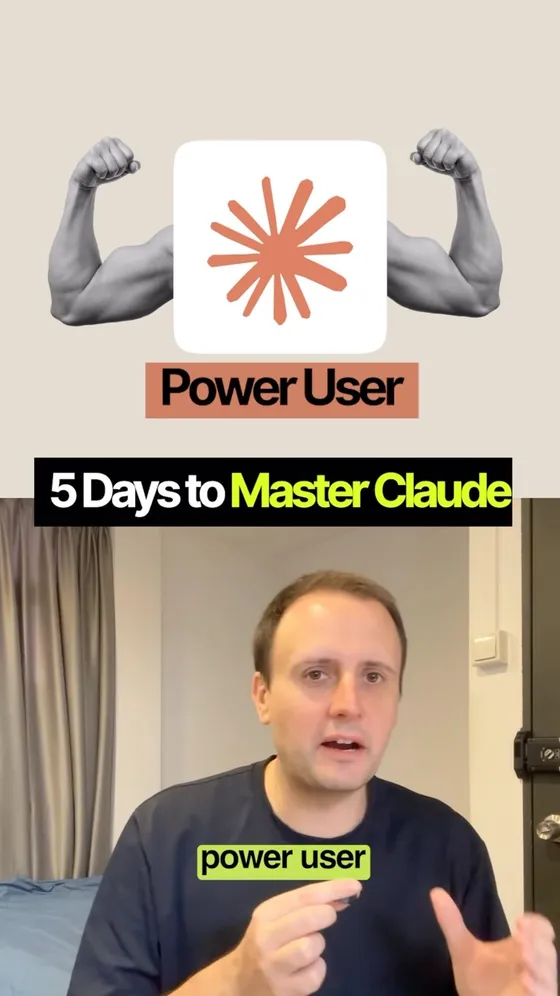
Beginner to power user in five days. 🗓️ Day 1 Projects, Day 2 teach it who you are, Day 3 hand it work to finish on its own, Day 4 connect the apps you already use, Day 5 build something with Claude Code. It's the right shape for a week — two of the five days moved underneath it this month.
- 📁 Day 1 — a project is a folder with its own instructions and its own uploaded knowledge, and it's on every plan. Free accounts get five projects; paid plans add retrieval that stretches a project's knowledge roughly tenfold.
- 🧭 Day 2 — "who you are" lives in three separate places, and Anthropic's own page splits them: Instructions for Claude in Settings (every chat), project instructions (that project only), and Skills (per conversation).
- 🧠 The plan misses a fourth. Memory shipped on 25 August 2026 and is on by default on Free, Pro and Max. Everything it holds sits at Settings → Memory as topic files you can read, edit or delete.
- 🤝 Day 3 — on 16 September, Cowork and chat became one Claude. Pro and Max first over the coming weeks, then Team and Free. The abilities stay; the tab you were told to open is going away.
- 🔌 Day 4 — Gmail, Calendar and Drive connect with a sign-in on every plan, and even a custom MCP connector works on Free (one of them).
- ⌨️ Day 5 — Claude Code comes with Pro, Max, Team and Enterprise seats. It's the only one of the five days that needs a paid plan.
- 👇 The prompt below is the day the plan leaves out: the one where you work out which of the five apply to you.
Context & limitations
Start with the day that moved, because it dates the whole plan. On 16 September 2026 Anthropic merged Cowork into Claude — "Claude Cowork and chat are merging into one Claude" — rolling out on Pro and Max over the following weeks, with Team and Free after, and Enterprise admins given at least 30 days' notice. Claude routes the task itself instead of asking which tab it belongs in. Nothing you already made is disturbed: chats, projects, artifacts, connectors and skills stay where they are. Docs and Slides shipped the same day, and Design moved inside conversations, all three in beta on paid plans. So Day 3 is not wrong, it's just no longer a place you go — which matters if you're following a checklist written before the 16th and hunting for a tab that isn't there.
Useful context can reduce repeated explanation, but which setup step matters most depends on your work. Name the task, constraints and desired result, then test whether saving that context helps. The prompt asks about your existing workflow before recommending a profile, project, connector or coding tool; keeping your current setup is a valid outcome.
The free-plan picture is better than the video implies and worth saying plainly, because it decides whether this is a week or a purchase. Days 1 through 4 are all available without paying: Projects (five of them), Instructions for Claude, Skills, memory, the Google connectors, one custom MCP connector. Day 5 is the paid one. So the honest version of the plan is four days of setup you can do tonight for nothing, and a fifth that costs $20 a month — and if you did the first four properly, you'd know by Friday whether the fifth is worth it to you.
Which leaves the 30-minute client website, which is believable and is the wrong thing to take from the post. The 30 minutes isn't bought by Claude Code being fast; it's bought by the four days in front of it — the brief already written, the context already in a project, the accounts already connected, the profile already saying how you work. Ask for a client website from a cold chat and you'll spend the first hour explaining the client. That's the actual claim inside this plan: the build was short because the setup was done, and the setup is the part nobody films.
Do this yourself
A setup should follow recurring tasks and preferences; projects and integrations are optional, not quotas.
Want to build this with a teacher?
Pathwise Academy runs small, hands-on AI classes in Singapore for ages 10–17 and adults.