
Assess a photo before generating a 3D world
Assess depth cues, occlusion and missing views before spending a generation. A single photo cannot establish the hidden geometry.
By Alan Brown · Works with Claude
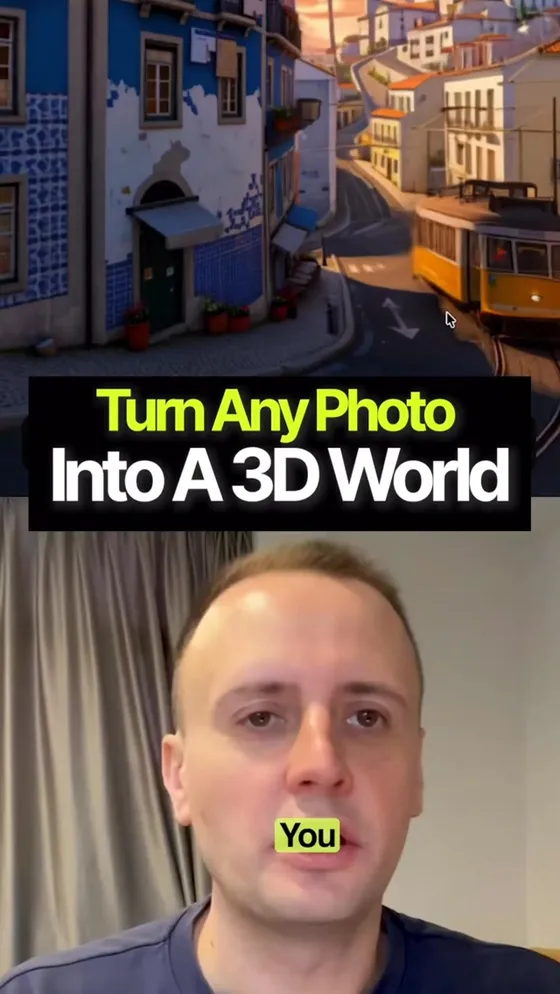
One image. A full 3D world. Minutes. 🌍 World Labs' Marble turns a single photo — or a text prompt — into a spatially cohesive 3D world you can actually move through.
- 🖼 Log in, upload an image, pick Marble 1.1, and generate. A few minutes later you're walking around inside it. A full world takes about five minutes.
- 🗺 You can also browse worlds other people have built, which is the cheapest way to see what a good input photo looks like before you spend one of your own.
- 🏴 Alan dropped in a shot from his road trip around the Isle of Skye and it came out stunning. Then Petra in Jordan and the Roman Colosseum, just to see how far it would go.
- 🎚 Free gives you four worlds. Text prompt, single image or 360 panorama only — multi-image, video and 3D-layout inputs are on the paid tiers.
- 📦 Nothing leaves the site on free: splat and mesh export start at Standard, and the high-quality textured mesh at Pro.
- 👇 The prompt below is the step before all of this — working out whether the photo you're about to spend a generation on is going to give you anything.
Context & limitations
"Just dropped" is about ten months out. Marble went generally available on 12 November 2025 after a limited beta from roughly September, and Marble 1.1 — the version the video tells you to pick — shipped on 2 April 2026 alongside Marble 1.1 Plus. That's not a criticism, it's the opposite: you're not looking at a first-week demo. The rough edges people complained about in the original model are the ones 1.1 was built to fix, and 1.0 is still there to compare against.
The free tier is four worlds and a locked front door. It's 7,000 credits, and a Marble 1.1 world costs a flat 1,500 regardless of what you feed it, which is where the four comes from. Free also only takes a text prompt, a single image or a 360 panorama — multiple images, video and 3D layouts are Standard-tier inputs. And nothing leaves the site: splat export, 360 export and the low-resolution collider mesh unlock at Standard (around $20/month), and the high-quality textured mesh at Pro ($35). So on free, a world is a link you can share and walk around in, not a file you own. Worth knowing that the five-minute number is the world; the high-quality mesh export is closer to an hour.
Commercial rights sit on Pro, and that's the line worth saying out loud to anyone who posts things. World Labs grants commercial usage at the Pro tier, $35 a month — not on free, not on Standard. If a Marble world is background in a client deliverable or a monetised video rather than a thing you made for fun on a Sunday, that's the tier you need, and it's cheaper to know that now than after the edit.
Three to five metres is the real specification, and it explains everything else. Marble reconstructs from one viewpoint, so fidelity is highest near where the camera stood and falls off within a few metres; push past that and geometry thins out, gaps open, and the edges don't hit a wall so much as dissolve into mist. That is the shape of the technology rather than a defect. It's also exactly why the input photo decides the result: a shot with something close, something a few metres off and something far away hands the model three layers to rebuild, while a portrait of your mate against a wall hands it one. Skye works because Skye is layers all the way to the horizon.
And the part nobody posts: Marble 1.1 Plus worlds cannot be expanded. Expand is the tool for pushing a world's edges outward into unexplored space once you've walked to them — a Pro feature — and it's how you get past the three-metre problem honestly. But 1.1 Plus, the model sold on scale, auto-expands in a single pass instead, up to five "dynamic cubes" at 1,500 credits plus 300 for each extra cube, and a world it generates is finished the moment it lands. So the actual choice is bigger up front and frozen, or smaller and extendable — and you make it before you hit generate, because nothing afterwards changes it. That's the opposite of what "Plus, built for scale" sounds like, and it's the one thing here that costs real money to learn the hard way.
Do this yourself
A single image gives depth cues but not the hidden geometry. Use a tool with image input; Write a world from scratch, in three layers is the text-only route.
Write a world from scratch, in three layers
Foreground, midground and distance give the generator spatial cues. Check the result; a prompt cannot guarantee stable geometry. Use Four free worlds, three metres deep for a photo-based brief.
Want to build this with a teacher?
Pathwise Academy runs small, hands-on AI classes in Singapore for ages 10–17 and adults.