
Make an original character move with Buzzy
Design an original character, use a movement reference you have permission to use, and check Buzzy’s current ChatGPT workflow before generating.
By Alan Brown · Works with ChatGPT
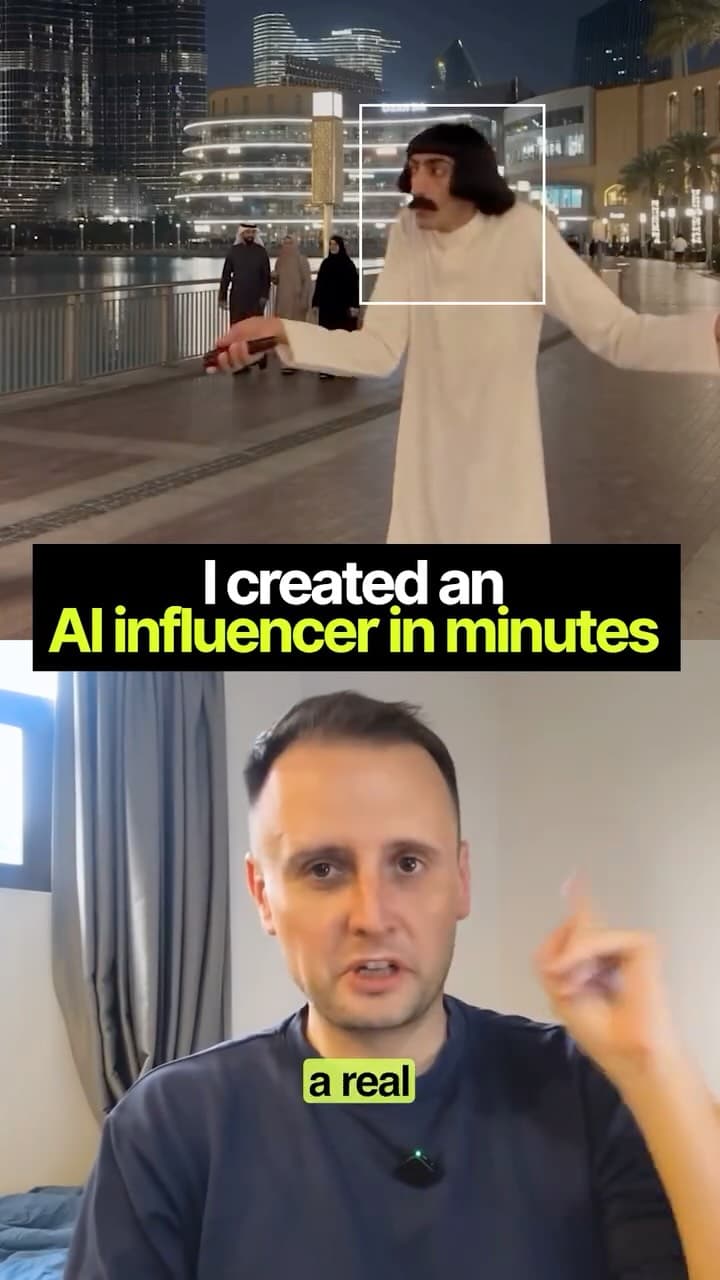
👵🥋 Build an original character, then explore transferring a movement reference into a short AI video with Buzzy and ChatGPT.
- 🔗 Official Buzzy instructions for using its image and video tools in ChatGPT: www.buzzy.now/chatgpt-plugin
- 🧭 ChatGPT’s integration labels and setup steps can change. Follow Buzzy’s current instructions instead of relying on an older “Plugins” walkthrough.
- 🎞️ Buzzy’s pages describe image and video generation and editing. Check which motion-control model, limits and account access are currently available before planning a project.
- 💳 Review current pricing and generation credits before starting: www.buzzy.now/pricing
- 📝 Read the current terms before uploading reference footage or character images: www.buzzy.now/terms-and-conditions . Use original footage or footage you have permission to use, and avoid copying another person’s likeness or distinctive work.
- 🛡️ Buzzy’s privacy policy says uploaded images or video containing faces are sent to its servers for processing and generation. Review the current policy before uploading: www.buzzy.now/privacy-policy
Context & limitations
The “cheapest” claim and specific model names come from the reel. Check current pricing, account availability and model terms before choosing a workflow.
Do this yourself
FIRST, CHECK THE CURRENT WORKFLOW
Read Buzzy’s current ChatGPT setup instructions: https://www.buzzy.now/chatgpt-plugin . Explain how to connect it in the ChatGPT version I’m using, what Buzzy feature and video model are currently available for motion transfer, and whether that exact workflow is accessible on my account. The interface and model names may have changed since a video was recorded. Do not invent a “Plugins” menu, claim a model is available without checking, or promise a price or result. Check current costs and limits here: https://www.buzzy.now/pricing .MAKE THE CHARACTER ORIGINAL
Help me create a distinctive fictional character sheet first. Character idea: ___ (default: a warm, expressive grandmother with an original outfit and appearance). Include front, side and three-quarter views, a small colour palette, clothing details, facial expressions and consistent proportions. Do not base the character on a real person or copy a living creator’s likeness, costume, branding or signature design. Show me the character brief before moving on.USE A MOVEMENT REFERENCE RESPONSIBLY
The reference clip is ___ . Before upload, ask me to confirm that I recorded it or have permission to use it for this purpose. Use it only to guide broad body movement, timing and camera motion. Do not reproduce the source person’s face, voice, identity, clothing, logos, setting or distinctive creative details. If I cannot confirm permission, help me describe the movement in words or create a simple original reference instead.CHECK BEFORE UPLOAD OR GENERATION
Read Buzzy’s current terms and privacy policy: https://www.buzzy.now/terms-and-conditions and https://www.buzzy.now/privacy-policy . Summarise what may happen to uploaded images and video, including any licence the service requires to process or host them. Point out relevant model rights and usage limits. Tell me the current estimated cost, credits and output limits if you can verify them; otherwise say where I can check. Wait for me to review the terms and approve uploading the specific files and starting a generation.AFTER I APPROVE
Give me a concise character prompt, a separate motion-transfer prompt and the exact steps for the currently supported workflow. Keep the character’s design consistent while transferring only the approved movement. Suggest one short test clip before a longer generation. After the result, give me a checklist for motion quality, character consistency, unintended likeness, artefacts, watermark and export settings. Clearly label what you actually verified and what depends on the model or my account. Official links: Buzzy ChatGPT setup https://www.buzzy.now/chatgpt-plugin · pricing https://www.buzzy.now/pricing · terms https://www.buzzy.now/terms-and-conditions · privacy https://www.buzzy.now/privacy-policy .Separating your original character design from a permitted movement reference makes the result more personal and helps you avoid copying another creator’s likeness or footage without permission.
Want to build this with a teacher?
Pathwise Academy runs small, hands-on AI classes in Singapore for ages 10–17 and adults.