
Turn design references into a website brief
AI site builders, animation galleries, Figma templates and the fonts behind famous logos. Here are all ten links, plus a prompt that turns what you find into a brief an AI builder can follow.
By Alan Brown
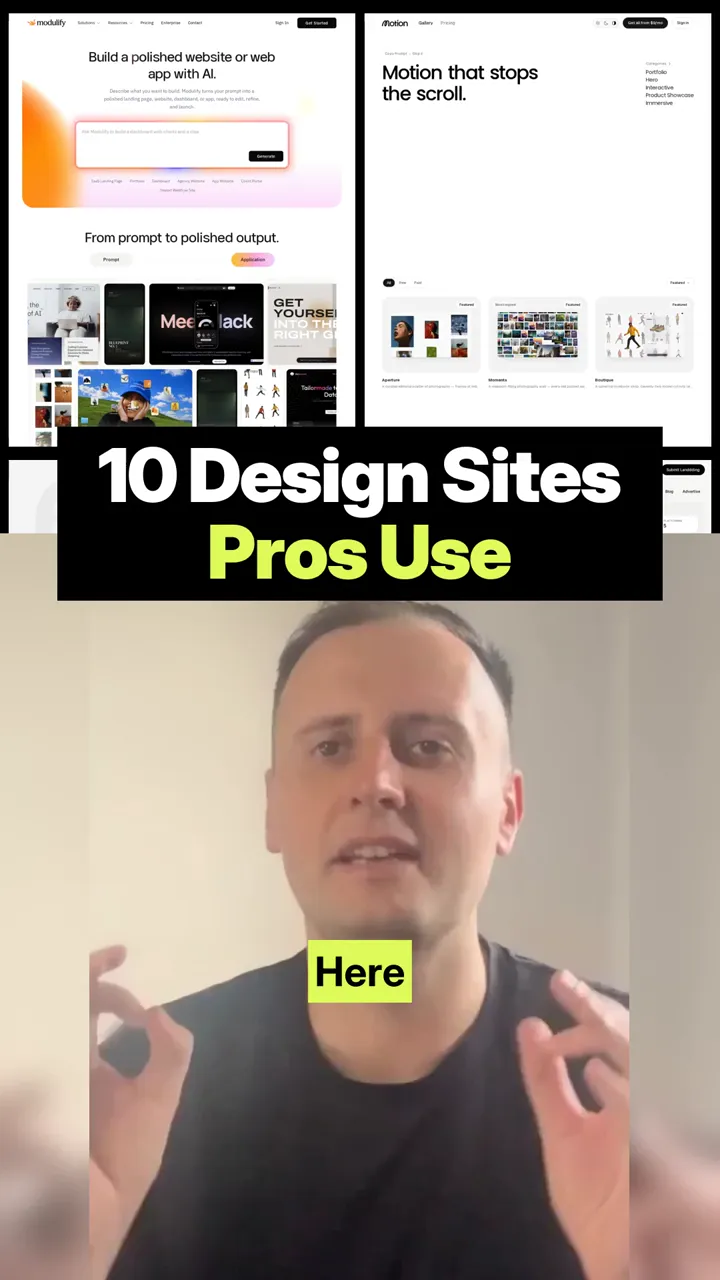
🎨 10 design websites that make your next site look like a pro built it.
- 1️⃣ Modulify: type a prompt and it builds a polished website or web app you can launch: modulify.ai
- 2️⃣ Motionin: animated website sections, with a prompt to build each one: motionin.design
- 3️⃣ 60fps: real app animations and interactions from real products: 60fps.design
- 4️⃣ Landdding: hand-picked landing pages and templates to borrow ideas from: landdding.com
- 5️⃣ Wonderlist: premium website designs ready to open in Figma (paid): wonderlist.design
- 6️⃣ Footer.design: a whole gallery of nothing but website footers: footer.design
- 7️⃣ Iconly: real app, game and web app icons for inspiration: iconly.design
- 8️⃣ Font in Logo: find the fonts, or close matches, behind famous brand logos: fontinlogo.com
- 9️⃣ Recent.design: a curated feed of web, interface, brand and motion design: recent.design
- 🔟 On.design: a community where designers share and discover work: on.design
Context & limitations
Some of these are free and some are paid, so check before you sign up. Use them for ideas, not copies, and the prompt below turns your favourites into a clear brief.
Do this yourself
Good references beat vague instructions. When you show an AI builder exactly which layout, motion and type you like, and say why, you get something that looks designed instead of generic.
Want to build this with a teacher?
Pathwise Academy runs small, hands-on AI classes in Singapore for ages 10–17 and adults.