
Pathwise AcademyOnline & In-Person AI ClassesIdea to BuildCreators Club · Ages 10–17Marketing with AI · AdultsCorporate WorkshopsHackathons for SchoolsSingaporeHong Kong
Pathwise AcademyAI classes for kids & adults
Find a class →Log in
← All free guides
Building appsIntermediate · about 60 minFree · no signup

Build a scroll-driven image-sequence animation

Turn a folder of frames into a scroll animation, with progressive loading, a reduced-motion alternative and checks for missing frames.

By Alan Brown
Jump to the prompt ↓

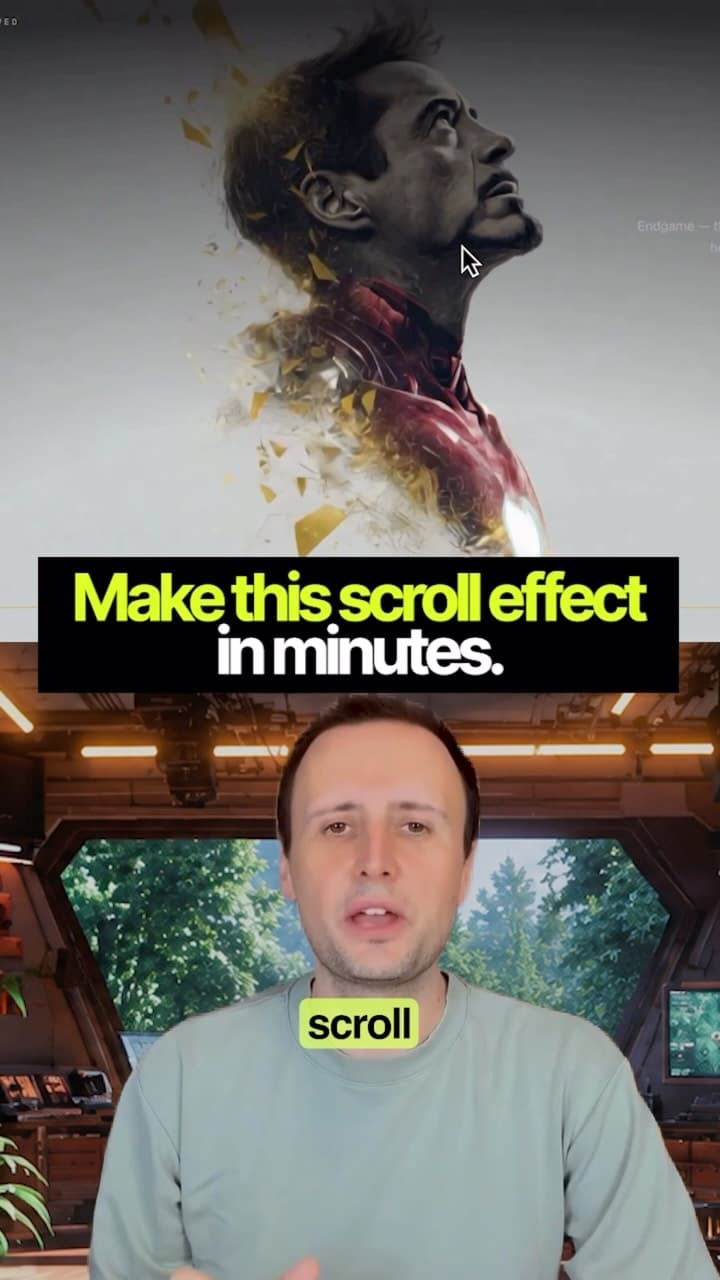
Scroll-linked animations — the ones where a product spins or assembles itself as you scroll — are just a folder of images being swapped on a canvas. Here's the whole build.

  • 1️⃣ Generate a start frame and an end frame in Google Flow: labs.google/fx/tools/flow. Same lighting, same background, same camera distance — only the thing you're animating changes.
  • 2️⃣ Frames to Video. Start image in the first slot, end image in the last, then prompt the motion. Lock the camera and keep the speed constant: drift shows up as jitter when the frames are scrubbed, and easing makes the scroll feel like it's sticking.
  • 3️⃣ Split the clip into stills at ezgif.com/video-to-jpg — 30fps, then download the frames as a ZIP. A 5-second clip gives roughly 150 frames. Reduce the frame rate or resolution if the download is too heavy for mobile. PNG export is also available, but it does not remove the background.
  • 4️⃣ Unzip the folder into Claude, Cursor or any AI coding tool, and paste the prompt below.
  • 👇 The build prompt is below. The two Flow prompts are under "More from these videos" at the bottom of the page.

Context & limitations

Check the active model, supported first-and-last-frame option and credit cost in Flow before generating. See support.google.com/flow/answer/16352836.

The finished effect is a sequence of still images controlled by scrolling. Your AI coding tool writes the code; generation time, revisions and testing vary.

Do this yourself

Build a single-page scroll-linked image sequence using vanilla JavaScript and no libraries. Frames are in ___, numbered ___. Confirm the filename pattern and count before coding. - Put a sticky full-screen canvas inside a scroll container about four viewport heights tall. - Load and decode the first usable frame promptly, then load the rest in bounded batches. Show progress and handle missing frames without a blank canvas or an infinite loading state. - Map progress through the container to a clamped frame index. Use requestAnimationFrame and redraw only when the frame or size changes. - Preserve image proportions with cover-style cropping; account for device pixel ratio without allocating an unnecessarily large canvas. - Redraw on resize. With reduced motion enabled, show a static frame and readable content instead of requiring the animation. - Add editable text overlays at 30% and 70% progress, with good contrast and a usable reading order. Report checks at a narrow and desktop width, including missing frames and reduced motion. Clearly distinguish tests run from suggested checks.

Progressive loading, error handling and a static fallback make the effect more usable than waiting for every frame before showing anything.

Generate the start and end frame

Jump to the prompt ↓
START FRAME Product photography of [YOUR PRODUCT], centred on a seamless matte [COLOUR] background. Front-facing, straight-on camera angle, eye level. Soft studio lighting from the upper left, gentle falloff, subtle contact shadow beneath. Sharp focus, high detail, no text, no props. END FRAME — use the same reference product, background and lighting Product photography of [YOUR PRODUCT], centred on a seamless matte [COLOUR] background. Rotated 180 degrees to show the rear, same eye-level camera height and same distance. Soft studio lighting from the upper left, gentle falloff, subtle contact shadow beneath. Sharp focus, high detail, no text, no props. Use the same supplied product reference for both frames. Preserve its visible shape, colour and branding. If the rear is not shown, request a rear reference or label the rear details as conceptual rather than inventing them as fact.

Shared references and composition help consistency; check the two frames before generating the transition.

Turn the two frames into the motion clip

Jump to the prompt ↓
Use an image-to-video tool that accepts start and end frames. Attach the two approved frames and select a supported duration in the tool. The product rotates smoothly and continuously from front to back on a fixed vertical axis. Camera is locked off — no pan, no zoom, no handheld movement. Constant rotation speed, no easing at either end. Lighting and background stay completely still.

A fixed camera and a steady rotation suit a sequence that will be scrubbed by scrolling. Check the generated clip for jumps.

Want to build this with a teacher?

Pathwise Academy runs small, hands-on AI classes in Singapore for ages 10–17 and adults.