
Make a screen-peel effect in an AI video
A hand pinches the corner of your screen and peels the picture off like film. One photo, one prompt, five seconds of video.
By Alan Brown · Works with Kling
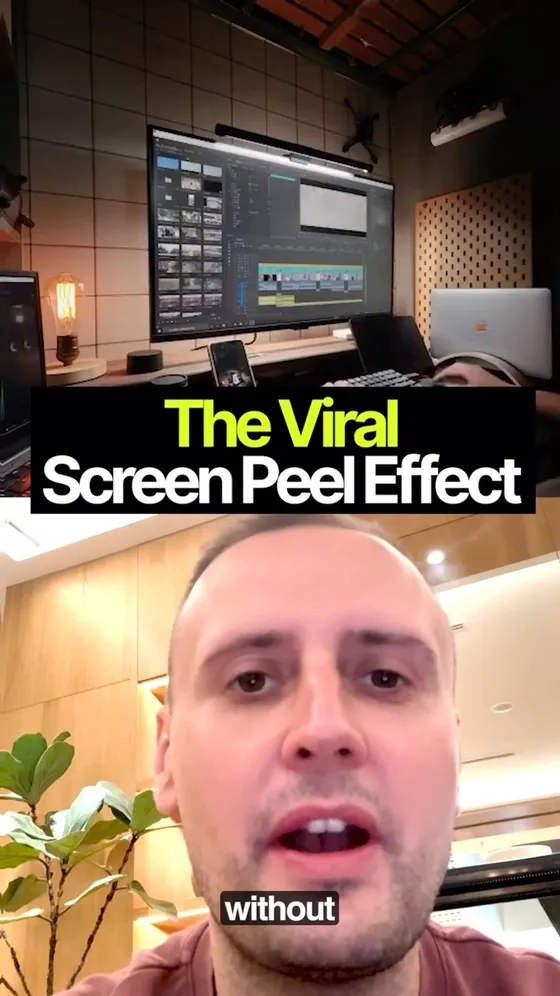
The effect where a hand grabs the corner of a phone screen and peels the picture off like a sticker. One still photo in, five seconds of video out. The prompt is below; here's everything around it that decides whether it works.
- 📷 Shoot the photo properly — this is 80% of the result. Straight-on, device fully in frame with breathing room around it, screen at full brightness, no glare or reflections. An angled or glare-heavy shot peels badly and no prompt rescues it.
- 2️⃣ Kling AI → Video → Image to Video → Kling 3.0. Turbo and Omni are variants of 3.0 rather than newer models, so take whichever 3.x the tab lists.
- 3️⃣ Upload the photo, paste the prompt, set duration to 5s.
- 4️⃣ Use Professional mode if you have it, and pull the creativity/relevance slider toward relevance so it sticks to your image instead of reinventing the screen.
- 5️⃣ Generate 2–3 times and pick the best. Peel physics are luck-of-the-draw — the second or third run is usually the clean one.
- 🔧 If the device warps as the sheet lifts, add "the phone body is rigid and does not move". If the hand looks wrong, use the no-hand variant.
- 👇 The prompt and its negative prompt are below. The two variants — no hand, and a see-through reveal — are under "More from these videos" at the bottom of the page.
Context & limitations
The negative prompt is doing more work than it looks. "Extra fingers" and "distorted hands" are the two failures that make an otherwise perfect take unusable, and they're the ones you can't fix by regenerating the same seed.
Generating three times is the actual technique here. Nobody's first peel is the one they post.
Do this yourself
NEGATIVE PROMPT
warped device, bending screen, distorted hands, extra fingers, camera shake, zoom, text morphing, blurThe fixed device and camera isolate the peel as the intended motion. Use an image-to-video tool; place negatives in its supported field or express them as constraints if it has none.
Two variants of the peel
Removing the hand reduces the number of moving elements to control. Compare takes; it does not guarantee an artifact-free result.
Want to build this with a teacher?
Pathwise Academy runs small, hands-on AI classes in Singapore for ages 10–17 and adults.