
Choose a design system for your app
Compare the actual design files with your screen's needs, verify the format and licence, and choose the amount of adaptation you can justify.
By Alan Brown · Works with Claude Code
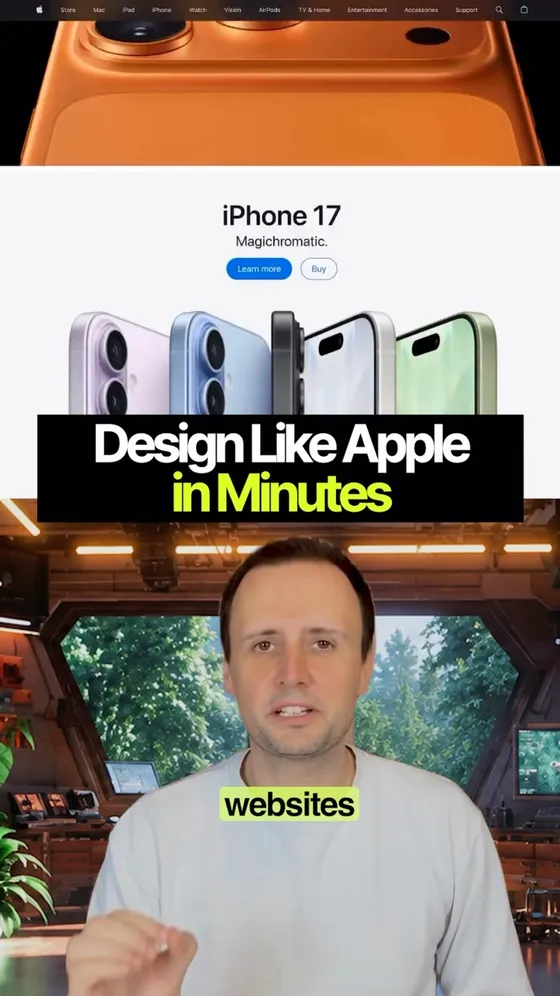
2,000+ of the world's best websites, turned into files your coding agent can read. 🎨 Apple, Tesla, Ferrari, Anthropic — the exact colors, the fonts, the spacing, plus rules on what never to do. The workflow is real and it genuinely works. The number isn't, and the best fact in the story is missing from it.
- 📦 There are two front doors, and the same team is behind both. The free one is the GitHub repo: github.com/voltagent/awesome-design-md — 73 DESIGN.md files, MIT licensed, clone it and go. Apple, Tesla, Ferrari and Claude really are in it.
- 🌐 The website is getdesign.md, also VoltAgent's. It's a browsable catalogue rather than a download — 550+ design-system analyses, each one a brand with a one-line read on the look (Airbnb: "warm coral accent, photography-driven, rounded UI") and a link through to the full breakdown.
- 🗂️ In the repo, each brand ships three files rather than one: DESIGN.md plus preview.html and preview-dark.html, so you can see the system rendered before you commit to it.
- 🔢 So where does 2,000+ come from? Nothing I can find. The repo is 73, the site says 550+, and the caption's number belongs to neither.
- 💳 "The whole library is free" holds for the 73-file repo. The site is a business layered on top: a private DESIGN.md for any site you name at $39, a starter kit with the system already wired in at $249, and a Catalog Pass above that.
- 🧩 The format isn't a community invention. DESIGN.md is Google Labs' open specification, Apache-2.0, released out of Stitch — YAML tokens at the top, prose rationale below.
- 🧪 And there's a linter: npx @google/design.md lint runs eleven rules against a file. The spec is still alpha, so it moves.
- 👇 The prompt below is the step the video skips — working out which of the 73 fits what you're actually building.
Context & limitations
Start by separating the two things, because they are both VoltAgent's and that is precisely why the numbers blur. One is a GitHub repository — awesome-design-md, MIT licensed, 73 DESIGN.md files you clone or download, no account, nothing to pay, now or later. The other is getdesign.md, a website from the same team, and it is a catalogue rather than a download: 550+ design systems you browse brand by brand, each with a short characterisation of the look and a link to the full analysis, with paid services sitting alongside it. The caption's 2,000+ belongs to neither. That distinction is practical rather than pedantic — watch the video, go to the free repo, search for your industry's best-known site, and there is a fair chance it isn't among the 73. Not because anyone misrepresented anything, but because a curated repo and a much larger catalogue got flattened into a single figure. Work out which door you're standing at before you plan around a brand being behind it.
Then "free", which is true in the way these things are usually true. The GitHub collection is MIT and genuinely, permanently free: take all 73, use them commercially, no account. Around it sits an ordinary business — an analysis of a site you name, a production starter kit, a pass for the wider catalogue. None of that is concealed and none of it makes the repo less free. It is the familiar difference between a free repo and a free project, and the moment it stops being academic is the moment the brand you actually wanted isn't one of the 73.
The omission is the most interesting part. DESIGN.md is not one clever person's convention — it's a format specification from Google Labs, open-sourced out of Stitch under Apache-2.0, with a published schema and a CLI you can run today. That changes what this is. You are not dependent on anyone's collection: because the format is public and documented, several independent tools already generate spec-valid files from any live site, which means the highest-value move isn't borrowing Ferrari's design language at all — it's pointing one of them at your own product, or at the one competitor whose site you actually admire, and getting a file nobody had to publish for you. The spec is in alpha and still moving, so pin what you generate rather than assuming last month's file still lints clean.
Which leaves the claim underneath all of it: that a billion-dollar design language transfers to your project. Mostly it doesn't, and the reason is fit rather than quality. Ferrari's system is engineered for a full-bleed hero, enormous type and nine words of copy; drop it onto a product with a settings page, a data table and an empty state and you will spend your afternoon fighting it. The systems that transfer well are the ones built for the same job you're doing — Stripe, Linear, Vercel, Notion are documentation-and-dashboard systems, which is why they keep working on other people's dashboards. The fonts are the other quiet catch: brand typefaces are proprietary, so the files name Google Fonts substitutes, and "the exact fonts" stops being exact right there. The honest version of why this works at all is less glamorous than the pitch and more useful — what kills generic AI output isn't borrowed prestige, it's having any committed, specific constraint written in a file the agent re-reads on every page. A file you generated from your own product does that just as well as Apple's, and it fits.
Do this yourself
Actual design constraints and verified files are a fairer basis for selection than brand associations or catalogue size.
Want to build this with a teacher?
Pathwise Academy runs small, hands-on AI classes in Singapore for ages 10–17 and adults.