
Extract frames and audio for an AI video review
yt-dlp fetches the file, FFmpeg turns it into something a model can read. One command installs both, and skips the download page where beginners give up.
By Alan Brown
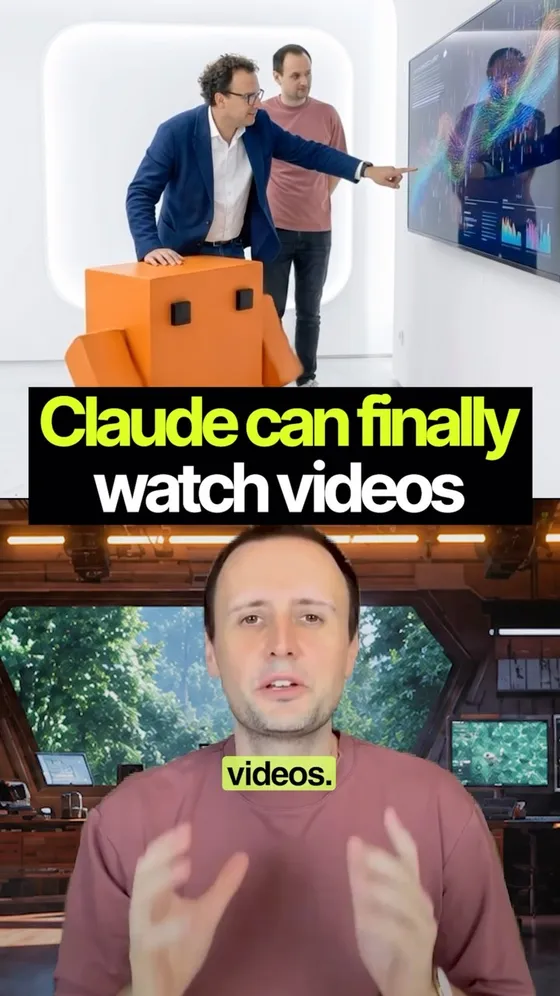
A model can't open a video file. yt-dlp fetches it, FFmpeg turns it into frames or an audio track — the form Claude can actually read. Install both before anything else.
- 🍺 Mac — one line does both: brew install yt-dlp ffmpeg
- 🪟 Windows (with winget) — winget install yt-dlp.yt-dlp then winget install Gyan.FFmpeg
- 📦 yt-dlp — github.com/yt-dlp/yt-dlp. Free and public domain (the Unlicense).
- 🎛 FFmpeg — ffmpeg.org/download.html. Only worth opening if the install command didn't work for you.
- ✅ Check it took: run yt-dlp --version and ffmpeg -version. Two version numbers means you're done.
Context & limitations
The FFmpeg download page is where most beginners quit. It drops you on a wall of builds with no obvious "click here", and that's the moment someone decides this isn't for them. Which is why the command is the thing worth sharing and the links are the backup — one line installs both, and you never have to look at that page.
Worth saying once, because the tool won't: yt-dlp doesn't know whose video it is. On your own uploads it's a backup and re-editing tool. On someone else's, most platforms' terms say no — and that's a decision you're making, not one the software made for you.
Do this yourself
ffmpeg's flags are why people end up pasting commands they can't adapt. Asking for the line and the explanation in one go is what stops that.
Want to build this with a teacher?
Pathwise Academy runs small, hands-on AI classes in Singapore for ages 10–17 and adults.