
Building appsIntermediate · about 8 minFree · no signup
Check whether Colibri fits your laptop and workflow
Explore the 744B model demo, then check your laptop’s storage, memory and realistic performance before trying it.
By Alan Brown
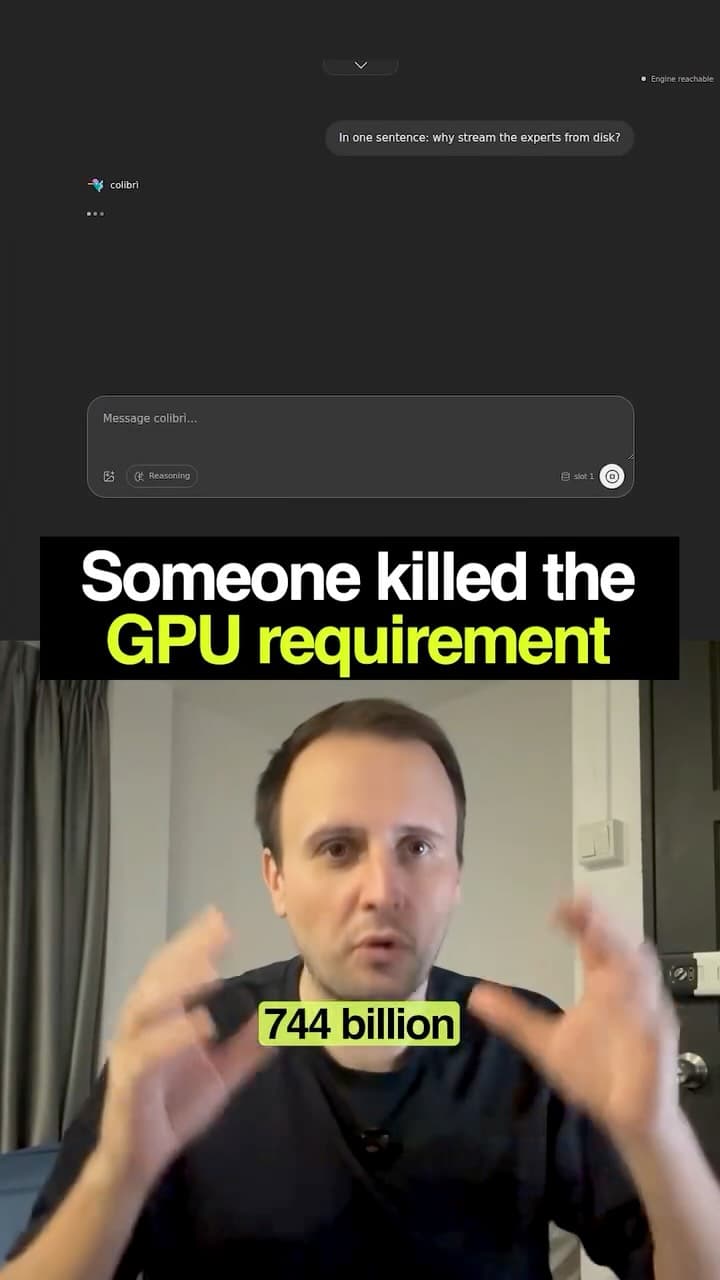
Colibri is an open-source inference engine. Its repository reports running the 744B-parameter GLM-5.2 mixture-of-experts model by streaming weights from storage. Checked 29 September 2026; these are project claims, not our own benchmarks.
- The full model does not sit in RAM: selected expert weights are read from disk as needed. CPU-only operation is supported; GPU acceleration is optional.
- The documented int4 setup uses roughly 370GB for routed experts, plus resident weights and other files. Allow additional space for downloads and conversion; 370GB is not a complete installation budget.
- Running is different from running quickly. Storage bandwidth, RAM, caching, context and hardware affect latency. Check a matching benchmark before expecting a responsive everyday assistant.
- Local inference avoids a hosted model’s per-token bill, but still uses storage, electricity and setup time. Offline use requires the model and dependencies to be downloaded first.
- The project offers an OpenAI-compatible API. Check supported features and your client’s network behaviour before assuming complete compatibility or that every integration stays local.
Context & limitations
Use the prompt below to assess your machine and compare a smaller local model before committing to a large download.
Do this yourself
CHECK THE EVIDENCE
Read the current official Colibri repository at https://github.com/JustVugg/colibri and its model, setup and benchmark documentation. Cite sources and the date checked. If you cannot access them, ask me to paste the relevant documentation instead of inventing requirements or commands. Distinguish project-reported results from independently reproduced benchmarks. Explain total versus active parameters and why model size alone does not prove quality or speed.ASSESS MY MACHINE
Identify a supported model and format. Estimate RAM, final disk space, temporary download/conversion space and required software separately. Mark unknowns. Compare my hardware with a documented benchmark, including CPU/GPU, SSD, context length and cold versus warm cache. Do not transfer a GPU-assisted result to a CPU-only laptop. If my specs are missing, ask for them first.COMPARE PRACTICAL OPTIONS
Compare the large streamed model with a smaller local model for my task: setup effort, response latency, quality evidence, memory, storage and costs. Explain what can run offline after downloading, whether the chosen app or integration sends data elsewhere, and which OpenAI-compatible API features are actually supported. Do not equate no per-token API bill with zero operating cost.PLAN A SMALL TEST
Recommend proceed, start smaller or wait, with reasons and uncertainties. Propose a short repeatable test using non-sensitive sample data, measuring time to first token, generation speed, peak memory and answer usefulness. Give version-specific setup steps only after confirming compatibility. Do not start large downloads or change my machine during this assessment.Checking the exact hardware and workload turns an impressive demo into a realistic local-AI decision.
Want to build this with a teacher?
Pathwise Academy runs small, hands-on AI classes in Singapore for ages 10–17 and adults.