
Building appsIntermediate · about 120 minFree · no signup
Build a Japanese practice game with Codex and Blender
From a 2D map reference to a playable Japanese practice world, with NPC conversations and optional live voice.
By Alan Brown · Works with ChatGPT
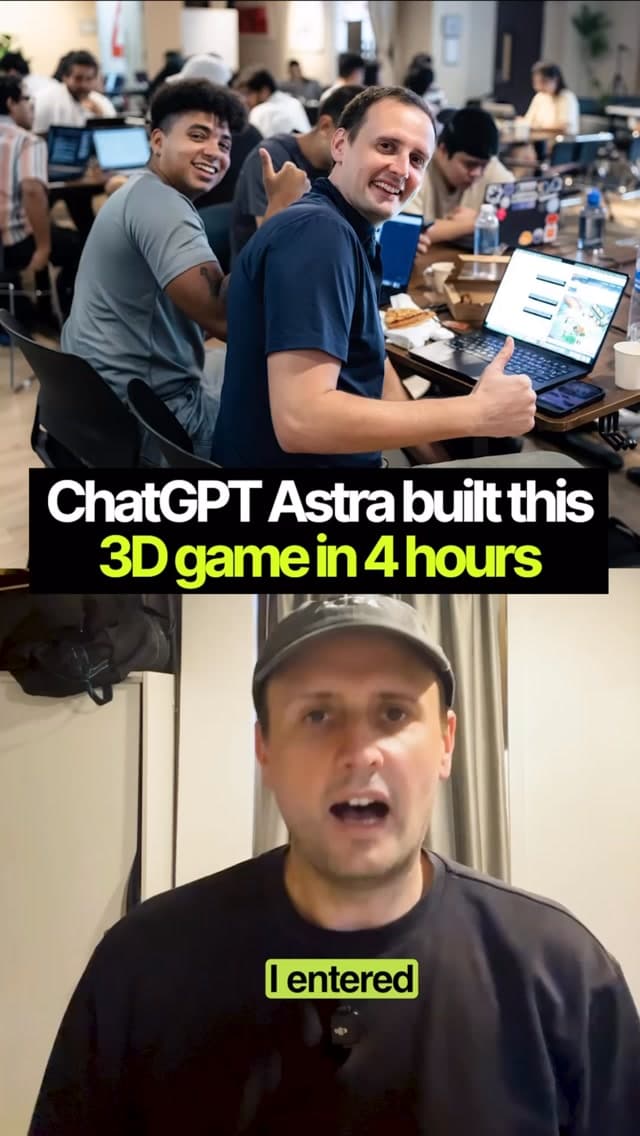
Alan describes building a Japanese practice world at an OpenAI hackathon in under four hours. This guide breaks that personal build into milestones you can adapt.
- 1. Choose a 2D map reference and a small scene: one street, courtyard or shop is enough for the first version.
- 2. Connect your coding assistant to Blender through your chosen integration. Verify it works; generating a Blender script is an alternative if direct control is unavailable.
- 3. Create the map and original block-style NPCs, then bring them into your game runtime. Test movement and interaction before expanding the world.
- 4. Add a simple Japanese conversation and a retry loop. Start with text so you can check the learning experience independently of voice.
- 5. Add live voice after the basic game works. Browser voice needs microphone permission, a supported account and a server that protects your API key; see the official source below.
- 6. Alan also used a HeyGen Live Avatar. Treat this as an optional integration with its own setup and costs.
Context & limitations
The under-four-hour result is Alan’s hackathon experience, not an estimated completion time for every learner.
Do this yourself
FIRST PLAYABLE VERSION
Start with one small walkable area, one original block-style NPC and one task: order an item in Japanese. Use my 2D reference for layout, label assumptions about scale and height, and create simple original geometry. Include collision, a spawn point, keyboard controls and an on-screen interaction prompt. Save editable Blender assets and export in a format the chosen game runtime supports. Confirm the scene opens and the player can reach the NPC before adding more features.LANGUAGE PRACTICE
Add a text conversation with Japanese, optional furigana or romaji, and an English hint that can be hidden. Match vocabulary to my level. Give one short correction and a natural example after each answer, then let me retry. Do not claim to assess pronunciation from text alone. Show uncertain feedback as uncertain.OPTIONAL VOICE AND AVATAR
Once text practice works, propose a separate live voice milestone using the currently available GPT Live or Realtime API, and an optional HeyGen live avatar milestone. Check current official setup instructions, account access and costs before implementation. Keep service keys on the server, request microphone access only when I press Start, show connection state, and provide Stop and text fallback controls. If a service is unavailable, keep the playable text version working.DELIVER AND CHECK
Work in small milestones. For each, list changed files, how to run it and what you actually tested. Test movement, collisions, NPC interaction, Japanese display, denied microphone permission, disconnected voice and ending a session. Finish with setup instructions, known limitations and the next smallest improvement. Do not promise the same completion time as the video.A small playable scene makes the game testable before adding the complexity of voice and avatar services.
Want to build this with a teacher?
Pathwise Academy runs small, hands-on AI classes in Singapore for ages 10–17 and adults.