
Plan a scroll animation for your product
Two images, one AI video, a folder of frames and a canvas. Use the prompt to plan your own product's sequence before you spend credits generating it.
By Alan Brown
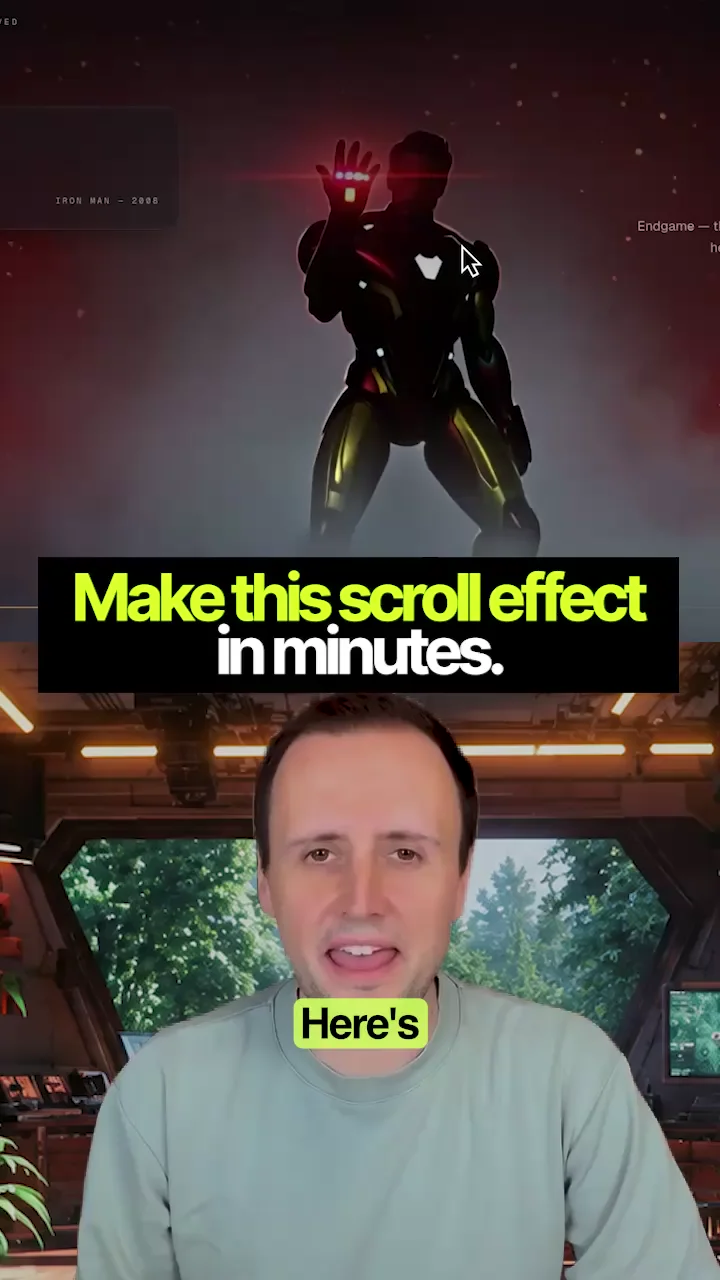
🌀 Build the scroll animations agencies charge thousands for, in 4 steps with zero code. You know the ones: you scroll and the product spins or builds itself on screen.
- 1️⃣ In Google Flow, generate two images: a start frame and an end frame. labs.google/fx/tools/flow
- 2️⃣ Use Frames to Video in Flow to animate everything in between.
- 3️⃣ Take the clip to ezgif, use Video to Image Sequence at 30 fps, and download the frames as a zip. ezgif.com/video-to-jpg
- 4️⃣ Drop the folder into your AI coding tool and ask for a scroll-linked image sequence on a canvas, so the animation plays frame by frame as you scroll.
- 🧰 The full build prompt and the two Flow prompts from the first video are in the earlier guide: The Apple scroll animation, start to finish
Context & limitations
It's the same scroll-sequence technique you see on Apple's product pages. "Zero code" means you don't write it: your AI coding tool does, and Flow generations use credits. Expect a few rounds of regenerating frames and testing on a phone before it feels smooth.
Do this yourself
Most failed scroll animations are planning problems: a start and end frame that don't match, a camera that drifts, or 300 heavy frames on a phone. Settle those first and the build prompt does the rest.
Want to build this with a teacher?
Pathwise Academy runs small, hands-on AI classes in Singapore for ages 10–17 and adults.