
Break down a video frame by frame with Claude
yt-dlp downloads the video, FFmpeg pulls out the frames, and Claude reads what's on screen alongside what's said. Here's a prompt that runs the whole breakdown for you.
By Alan Brown · Works with Claude Code
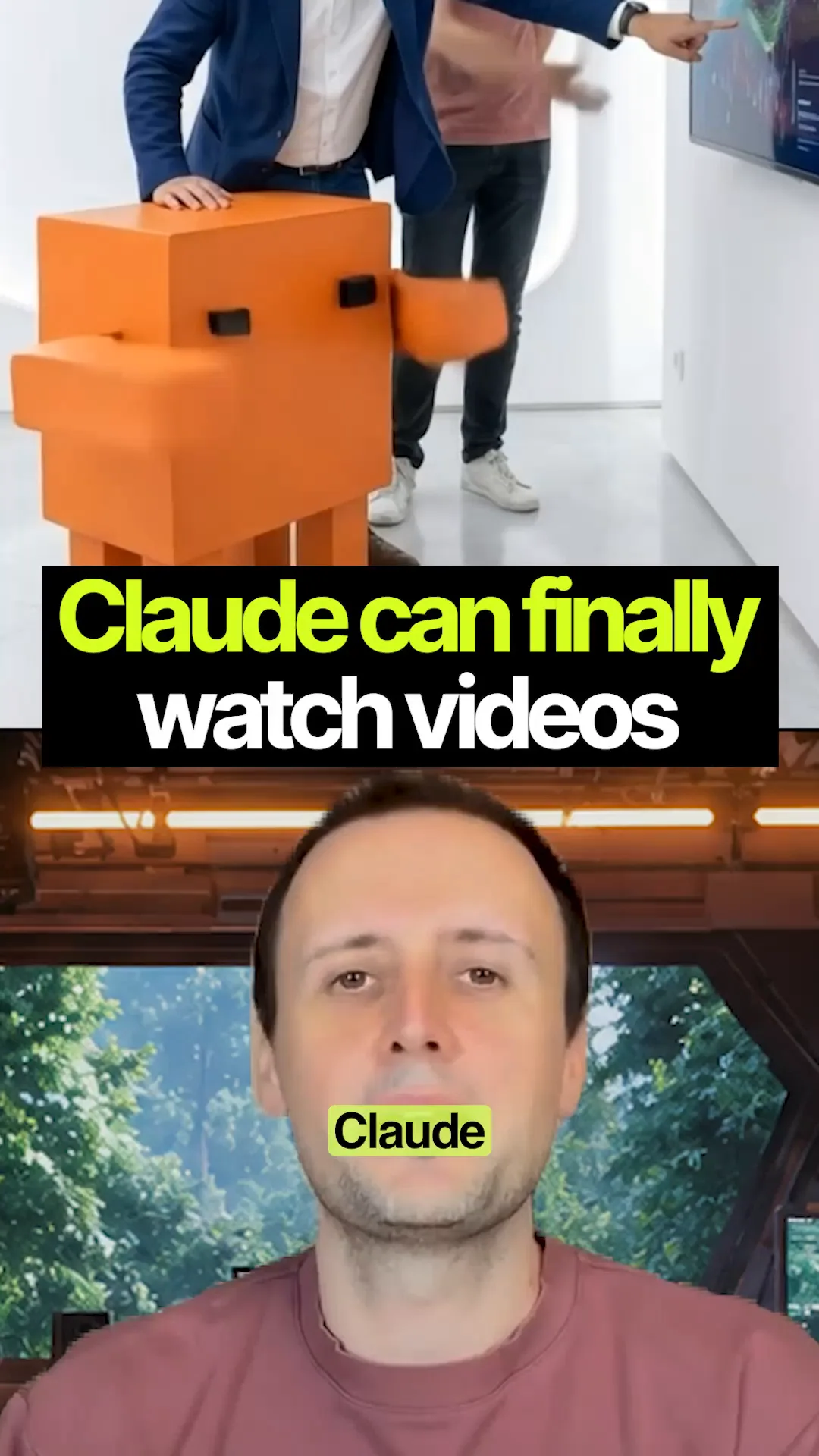
👀 Here's how to let Claude actually watch your videos.
- 📝 Give Claude a video link and it usually works from the transcript, so it misses everything happening on screen. Two free tools fix that.
- ⬇️ yt-dlp downloads the video. github.com/yt-dlp/yt-dlp
- 🎞️ FFmpeg pulls out the frames, so Claude can analyse it frame by frame alongside what's being said. ffmpeg.org
- 🎬 Use it to break down reels, Shorts, YouTube videos or even a 30-minute recording.
- 💻 It all runs locally on your computer, it's fast, and there are no extra API fees for the downloading and frame extraction.
- 🛠️ How to install both, and a prompt for any FFmpeg job: The two tools that let Claude watch a video
Context & limitations
The downloading and frame extraction are free, but Claude still reads every frame you give it, so a long video at a high frame rate uses up your usage quickly. Start with a frame every few seconds. And yt-dlp doesn't know whose video it is: use it freely on your own uploads, but most platforms' terms don't allow downloading other people's.
Do this yourself
Claude Code can run yt-dlp and FFmpeg on your computer and then look at the frames itself. In the Claude app, run the two commands yourself and upload the frames instead.
Want to build this with a teacher?
Pathwise Academy runs small, hands-on AI classes in Singapore for ages 10–17 and adults.