
Write a prompt for a 3D scroll website
Draftly turns one prompt into a scroll-animated, cinematic website instead of a flat landing page. Here's what it does, and a prompt to write a brief that gets a better first result.
By Alan Brown
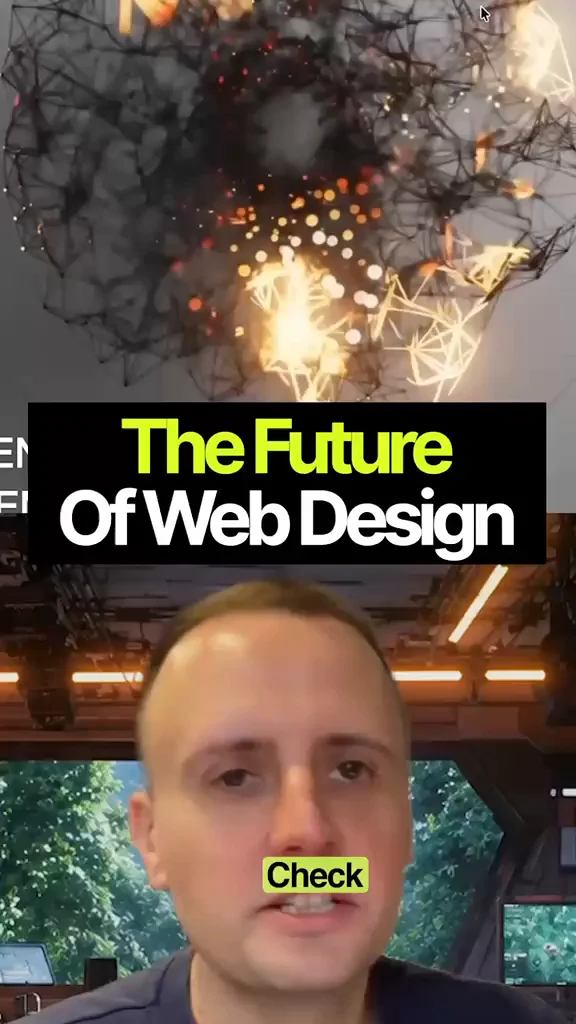
🌐 This new AI builder makes full 3D websites from one prompt.
- 📄 Most AI coding tools give you a clean but flat landing page. This one builds immersive 3D sites: as you scroll, elements move in real depth, with smooth motion.
- ✍️ You describe the site in one prompt and it builds the whole scroll experience. Draftly says it generates a short AI video of your scene and plays its frames back as you scroll, with no WebGL or Three.js code to write.
- 🧩 It also has ready-made presets, which its listings describe as covering SaaS, e-commerce, agency and portfolio sites.
- 📦 Draftly says you can publish to a free draftly.space subdomain or download the HTML, CSS and JavaScript. www.draftly.space
Context & limitations
The video calls it the top tool for 3D websites, ahead of Lovable, Replit and Claude Design. That's an opinion, not a benchmark. Draftly is a young tool and paid plans apply after a short intro offer, so check the current pricing and try it on one landing page before you commit.
Do this yourself
Tools like Draftly build the whole scene from your words, so a vague prompt gets a generic site. A clear brief (one hero object, the motion on scroll, the sections and the call to action) gives you something worth keeping on the first try. The brief works in Draftly or any other AI site builder.
Want to build this with a teacher?
Pathwise Academy runs small, hands-on AI classes in Singapore for ages 10–17 and adults.